
Here’s how to remove the “All Users” group from SharePoint 2010’s people picker:
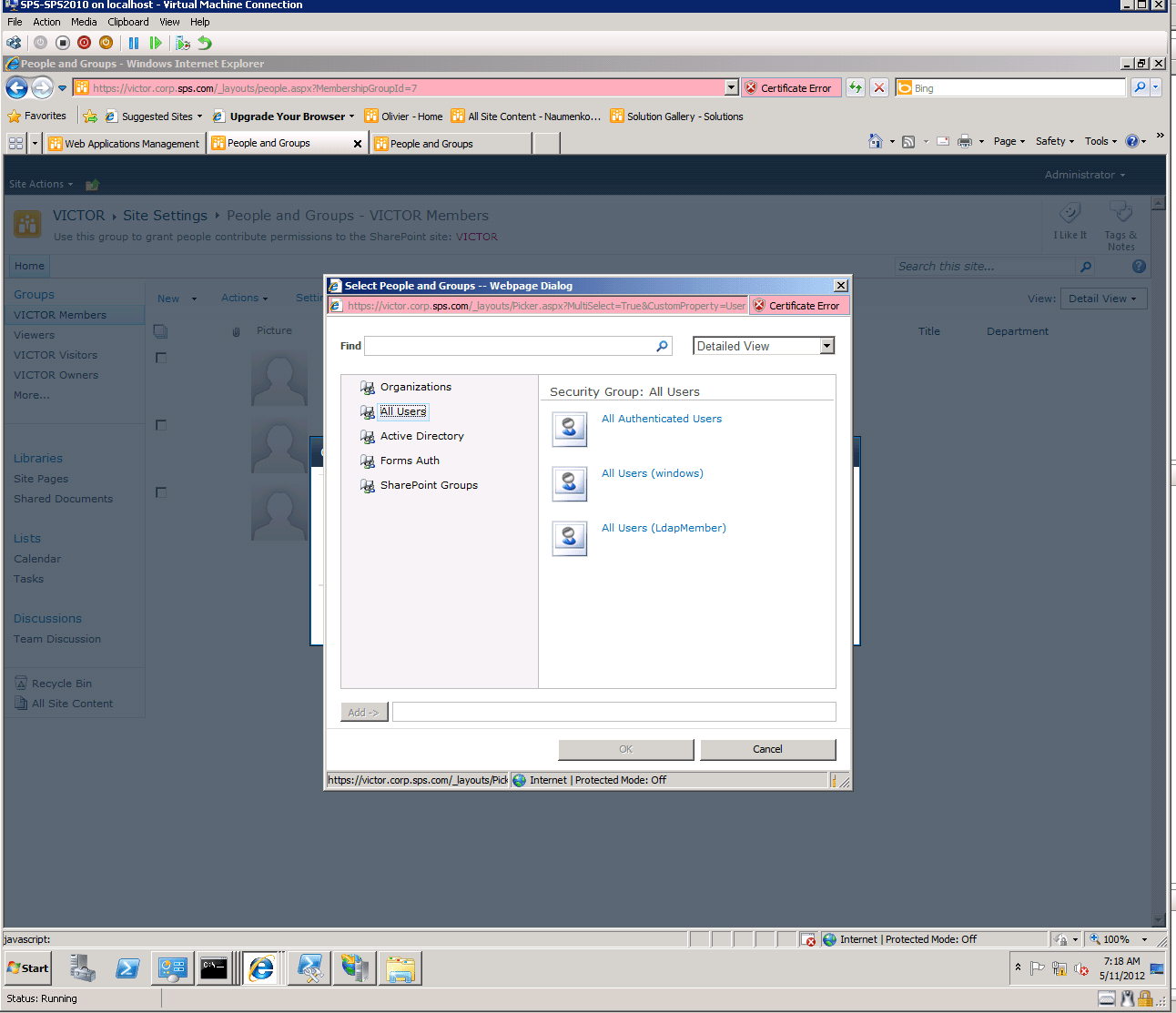
Using SharePoint 2010 Management Shell, type-in the following commands:
$ClaimManager=Get-SPClaimProviderManager
$AllUsers=Get-SPClaimProvider -Identity “AllUsers”
$AllUsers=IsEnabled=$False
$ClaimManager.Update
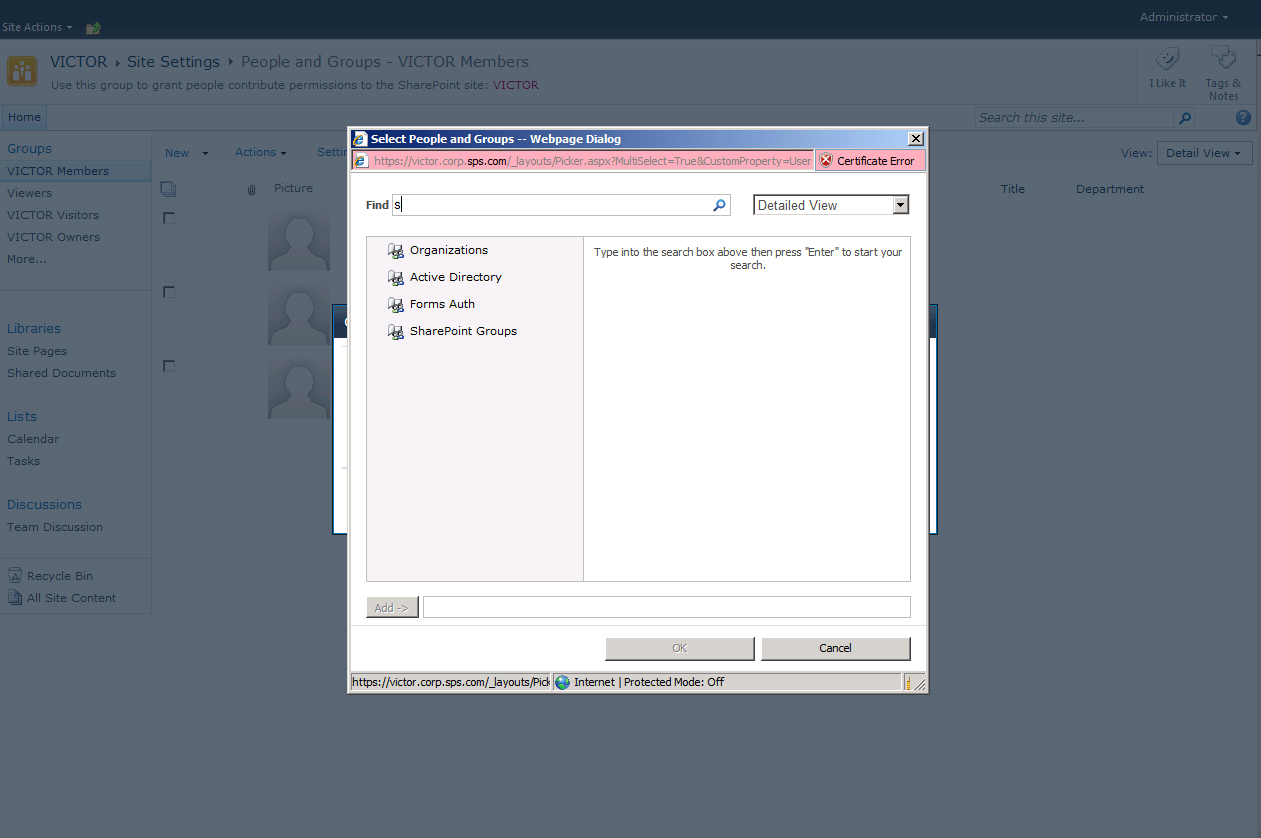
as a result you will get the above options without the “All Users” option:
To put back the “All Users” option, type-in the following:
$ClaimManager=Get-SPClaimProviderManager
$AllUsers=Get-SPClaimProvider -Identity “AllUsers”
$AllUsers=IsEnabled=$True
$ClaimManager.Update()