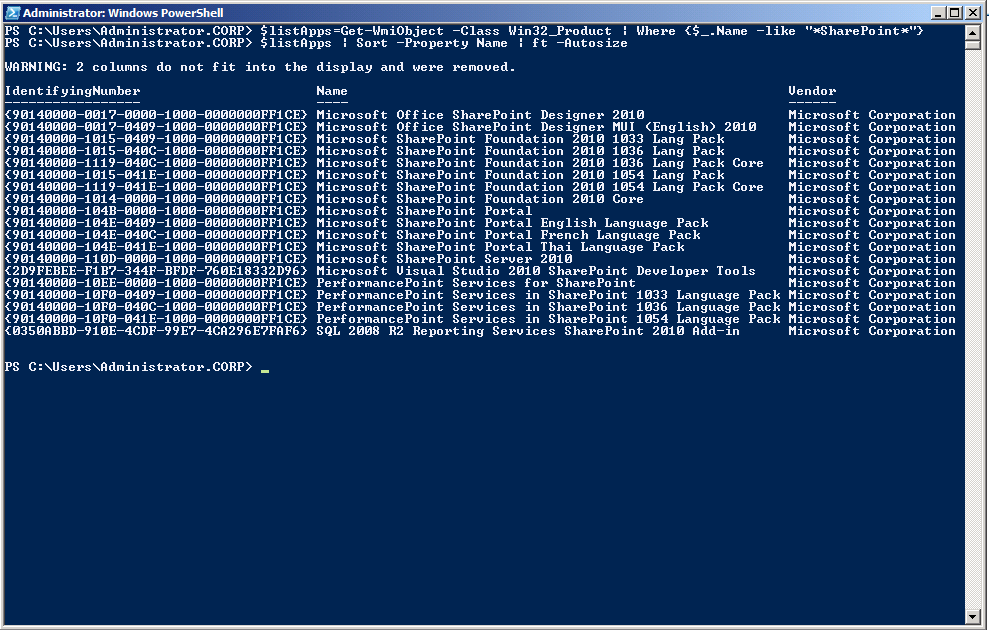
Here is a nice little Windows PowerShell script you can use to list all the installed SharePoint products from your machine:
PS C:\Users\Administrator.CORP> $listApps=Get-WmiObject -Class Win32_Product | Where {$_.Name -like “*SharePoint*”}
PS C:\Users\Administrator.CORP> $listApps | Sort -Property Name | ft -Autosize
The results will look like: